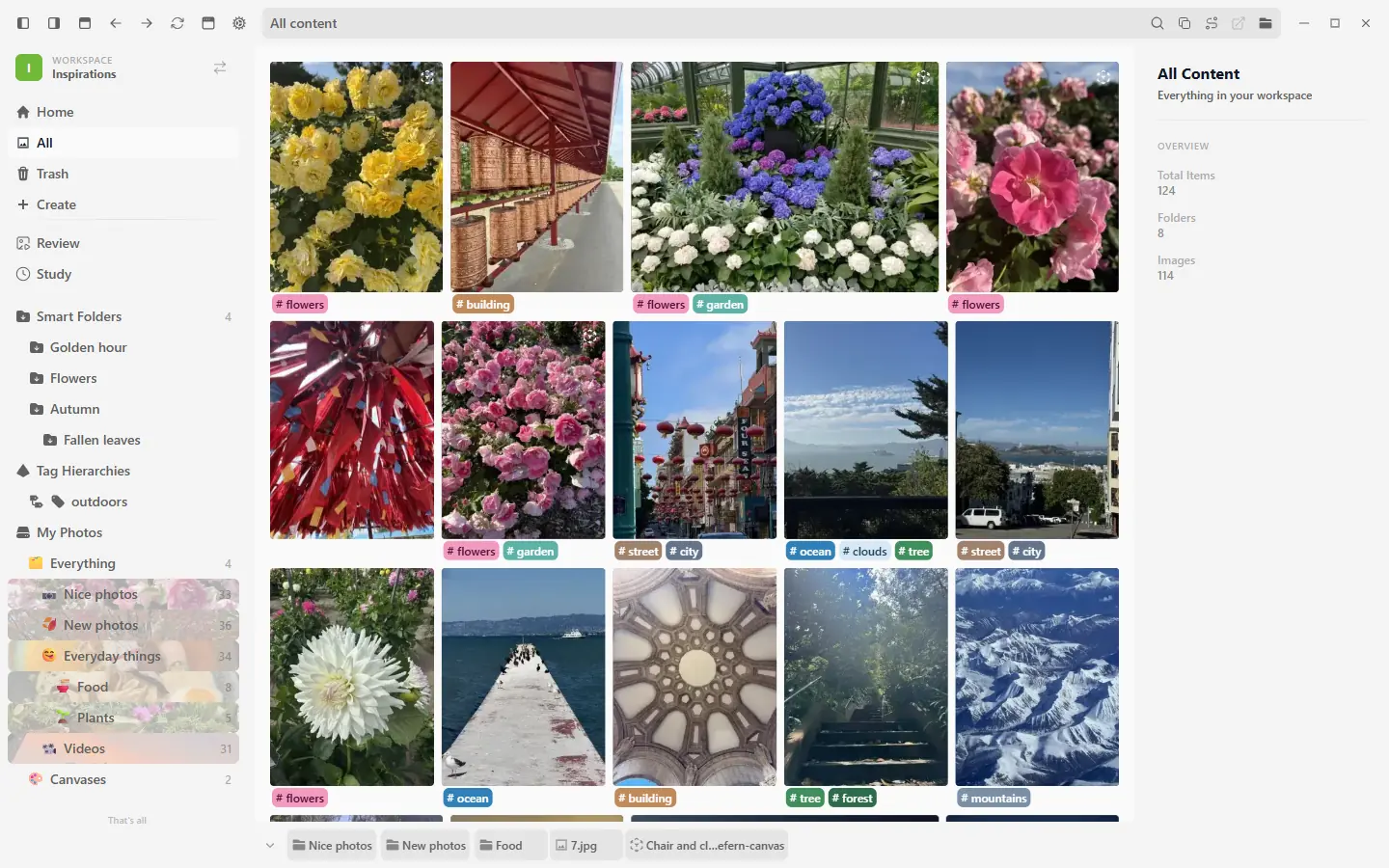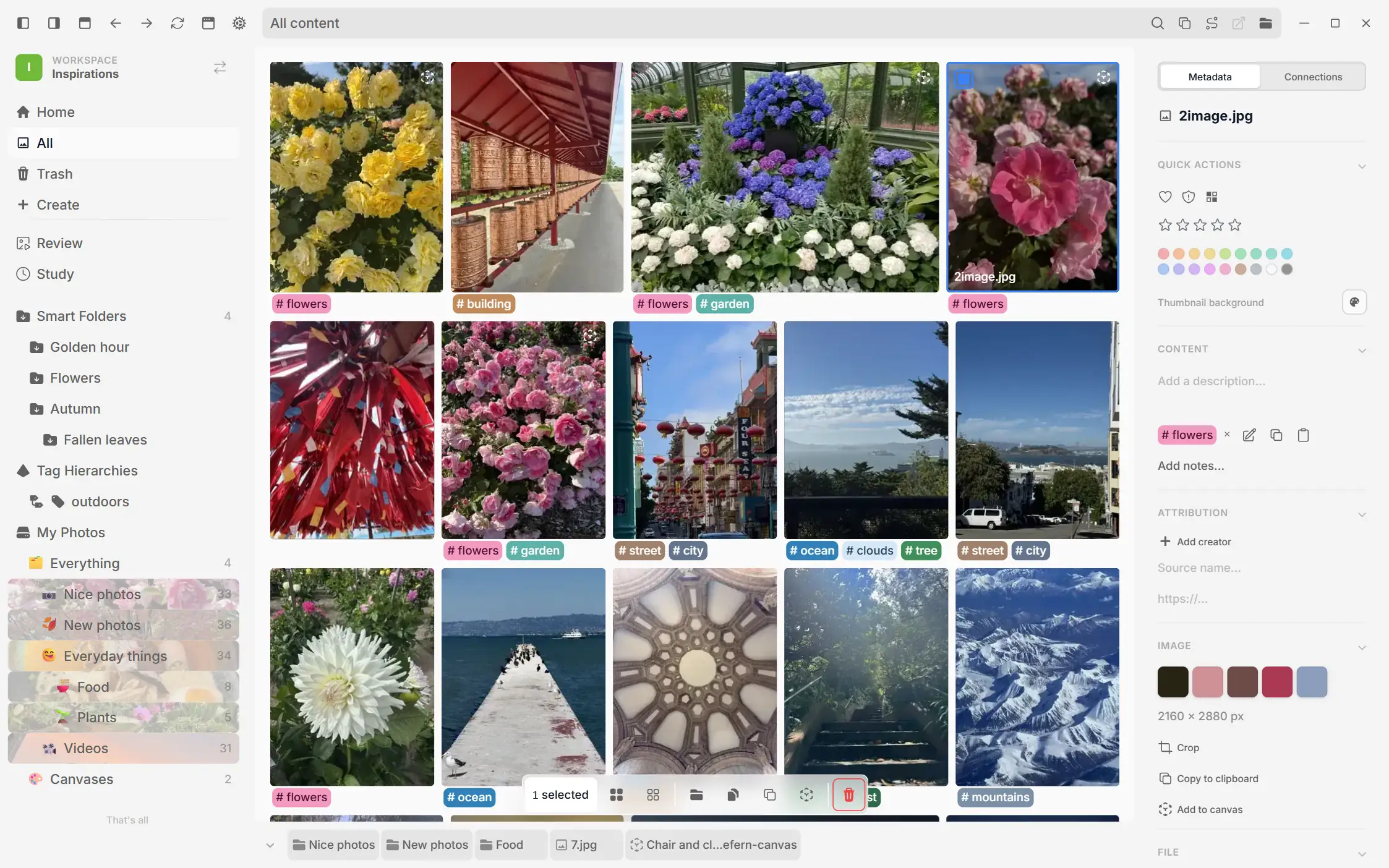
Auto Tagger
An on-device engine suggests tags, reads text, and describes images. Review results, edit recognized text, add your own tags, and block or rename suggestions. Offline and opt-in.


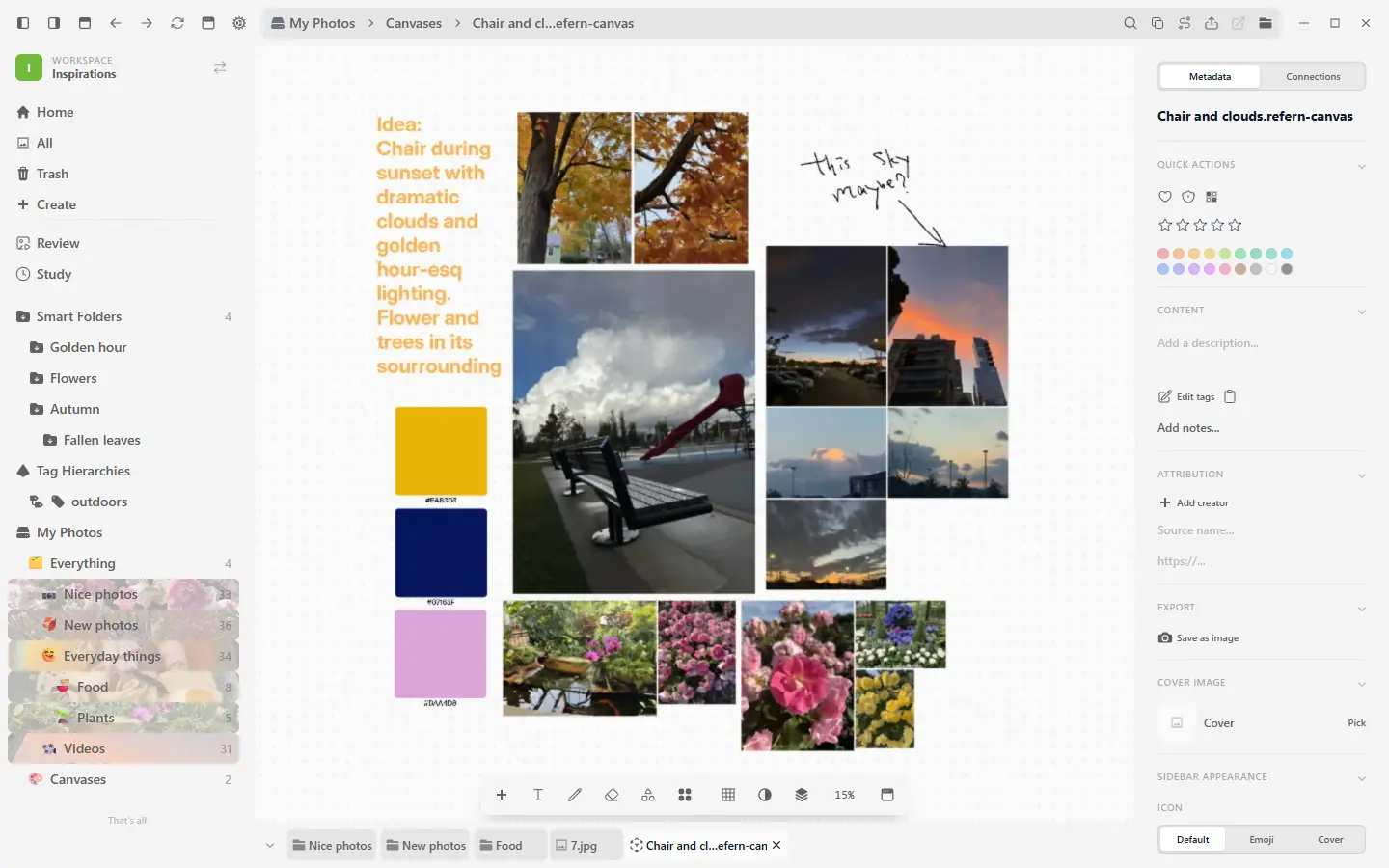
One place for artists to collect, organize, and use visual references. An infinite canvas is built in, and every file stays on your computer.
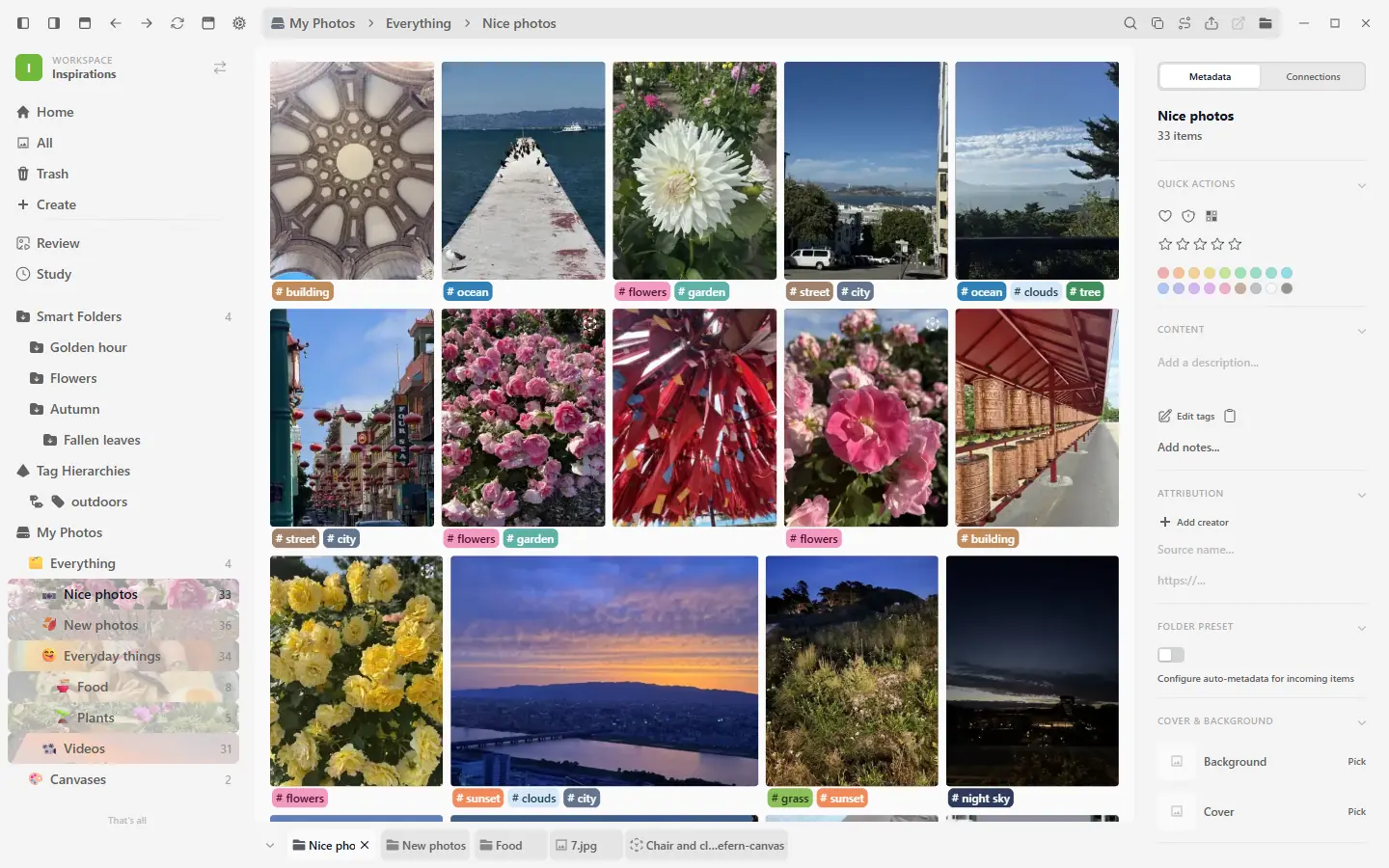
Tag, connect, and search the references you already have. Bring an existing library across without changing the source.
An on-device engine suggests tags, reads text, and describes images. Review results, edit recognized text, add your own tags, and block or rename suggestions. Offline and opt-in.


Describe what you want, like 'dramatic lighting', and refern surfaces it even when nothing's tagged.


Marquee select across your tags, restyle or delete a whole block at once, and pull a usage count for any tag when you want to know what is actually earning its place.
Bring Eagle folders and metadata across, rebuild a PureRef 2.x board as an editable canvas with its layout, notes, drawings, groups, scale, and fills, or restore Allusion's colored nested tags. Each importer keeps the source library unchanged.
Reads embedded keywords, ratings, descriptions, and sources (EXIF, IPTC, XMP) as you add images.

Let one physical file appear in multiple folders without duplicating it. Every linked copy shares the original media and metadata, and Eagle imports preserve multi-folder placements automatically.

Crops, groups, and the canvases an image lives in all stay connected back to the source.

Keep video, PDFs, working files, and images together. The viewer and grid adapt to each format without changing the original file.
Videos live beside your images. Scrub on hover, step frame by frame, loop or export an A-B section, and play clips on a canvas with independent audio and optional muted autoplay.


Turn on Documents for a workspace and PDFs get first-page grid previews, then open inside refern with continuous scrolling, search, text selection and copy, print, view rotation, page controls, and zoom.
A workspace indexes images and video out of the box. Turn on documents, design files, drawing app files, 3D and CAD, fonts, archives, code, or your own extensions, and they land in the same grid with a file-type icon: searchable by name, taggable, and organized like everything else, with a cover image you pick.
Crop and adjust brightness, contrast, and color without ever touching the original file.

Flag a file as Pixelated and it renders with hard, crisp edges at any zoom, in the grid, the viewer, and on the canvas. No more blurred upscales, and is:pixelated finds every sprite again.
Study, compare, and move references between refern and the tools where you make the work.
Practice from your own references, then review a calendar of sessions, statistics, timezone-aware streaks, notes, outcomes, linked work, and replay history.
Pin any window on top, dial down its opacity, and click straight through it while you work.

Pop any image or canvas out into its own window. Lay references side by side, spread them across monitors, and keep working in the main app.


Pull anything out of the grid and drop it into another app or your file manager as a real file. One item, a whole selection, a folder, a canvas, or a group, on every platform.


Use folders across drives, keep heavy library data where it performs best, and recover the database without touching your files.
A streaming indexer keeps libraries of hundreds of thousands of files responsive. Select with clicks, modifiers, a drag marquee, or the corner selector, and turn on Legacy click selection if you prefer one-click opening. Then move, tag, rename, or trash tens of thousands of items in one go.
Point a single workspace at several folders at once, even across different drives. refern indexes them together while every file stays exactly where it is.
If a library's database is ever lost or corrupted, refern restores it in one click from an automatic backup or a refern export.
Hide a folder, or a whole content root. It stays indexed but drops out of search, grids, pickers, and counts, so drafts and private material stay out of the way. One click brings it back.
Keep a large library on a slow drive while its database, thumbnails, and backups live on a fast SSD. Your original images never move.
Useful controls that stay out of the way until you need them.
Choose English, Simplified Chinese, Traditional Chinese, Spanish, Brazilian Portuguese, Korean, Japanese, French, German, or Italian during onboarding or in General Settings. Your choice is saved per profile, and non-English translations are currently in beta.
Set a file's grid thumbnail to Default, transparent, or a custom color without changing the source. Apply the same matte to an eligible file selection in one pass.
Hover a grid item and use configurable keys to open, rename, move, copy, create a linked copy, add it to a canvas, or send it to trash. Active shortcuts also appear in context menus.

Right-click an image on the canvas to fan out visually similar references, then pick one to place beside it.


Press a global shortcut to capture the screen under your cursor and save it directly into a folder in your workspace.
Save to ReferencesPlay, pause, step frame by frame, scrub the timeline, and change playback speed instead of waiting for a loop.
18 / 42Switch between masonry, horizontal, and justified layouts, then tune item size, spacing, and the metadata shown below each reference.
Sort any grid randomly, then shuffle again whenever you want a new mix of references.
refern is a godsend for me. I have libraries of photo references I purchase from reference photography studios, but that piles up really quickly when you start getting those 600+ action pose reference packs. After a certain point it becomes almost impossible to find what you want searching through countless folders. But the ways refern allows you to organize everything makes all my photos searchable or easily found otherwise, so I can actually make use of all the photos I have packed away.“refern has become my research hub for character design and writing. I can save a wide range of references, organize them later in a way that makes sense to me, and keep everything personal and local.”“Refern at this point feels like an extension of my brain that I can interact with, losing it would lobotomize me”“Refern has a clean, modern interface that makes managing large image collections feel simple. It gives me the organization tools I need without getting in the way of actually browsing my assets.”“Such a miniscule software that solves a BIG issue, I say it's revolutionary too I'm very grateful to come across this application and for the time it saves me”Everything you might want to know, answered.
Free 30-day trial, no card. Try the whole app before you pay. No subscription, nothing to cancel.